RTI Connext DDS Plugin for Eclipse
The RTI Connext DDS Plugin for Eclipse enables users to create new RTI Connext DDS applications that can be easily run and debugged without leaving the Eclipse development environment.
Installing the RTI Connext DDS Plugin for Eclipse
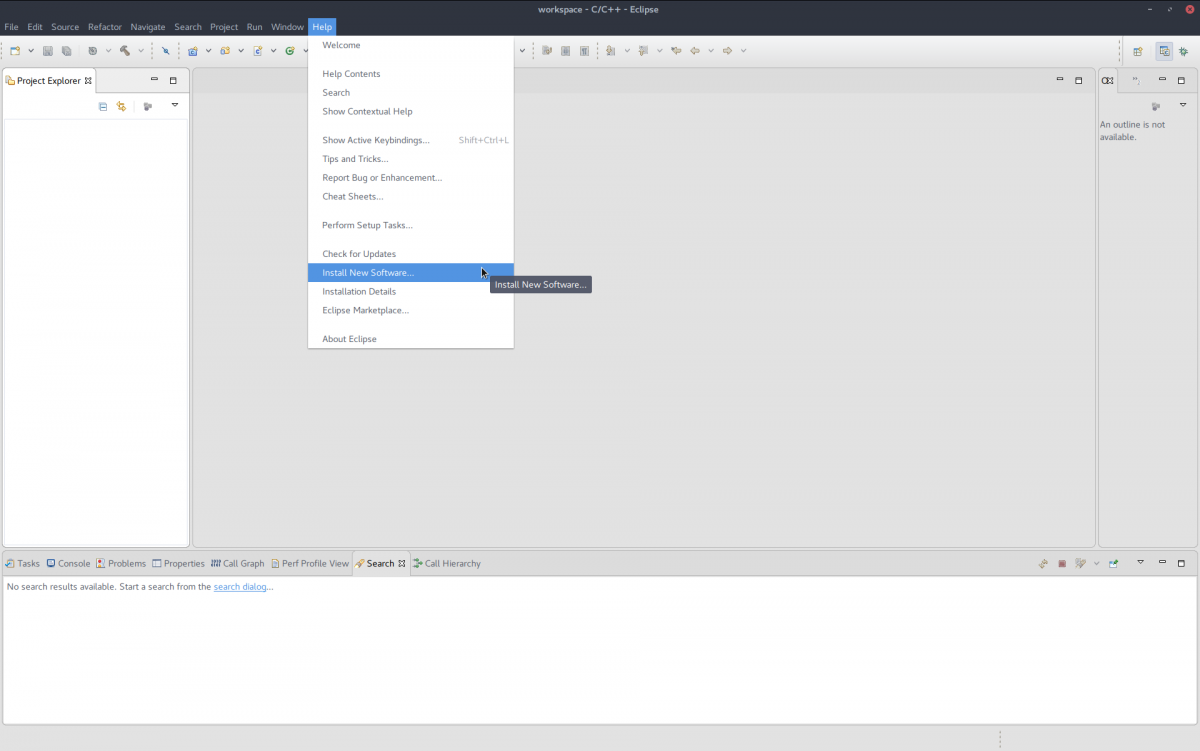
Select Help > Install New Software.
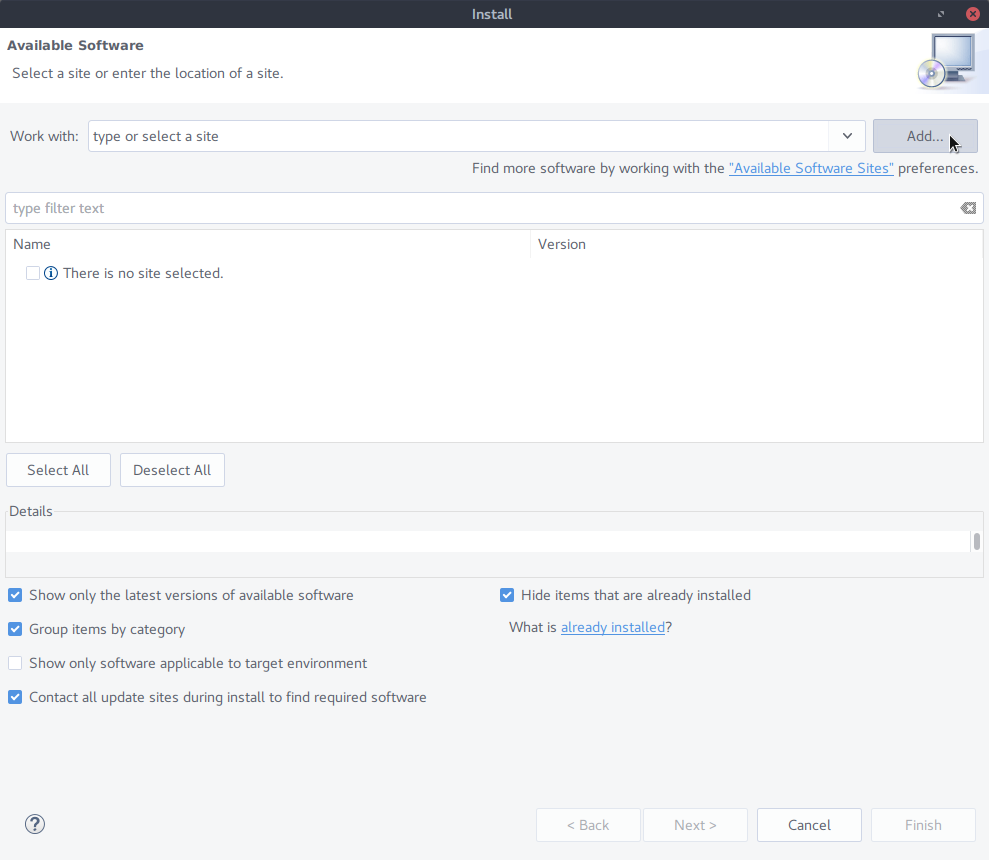
In the install dialog, click select Add to add a new site containing Eclipse software.
Type in the name and the location of the site containing the RTI Connext DDS Plugin for Eclipse. That is
- Name: "RTI Connext DDS Plugin for Eclipse"
- Location: https://community.rti.com/static/downloads/eclipse-plugin
Then click on OK

Click on the "rticonnextdds-eclipse-plugin" checkbox to select the RTI Connext DDS Plugin for Eclipse for installation.
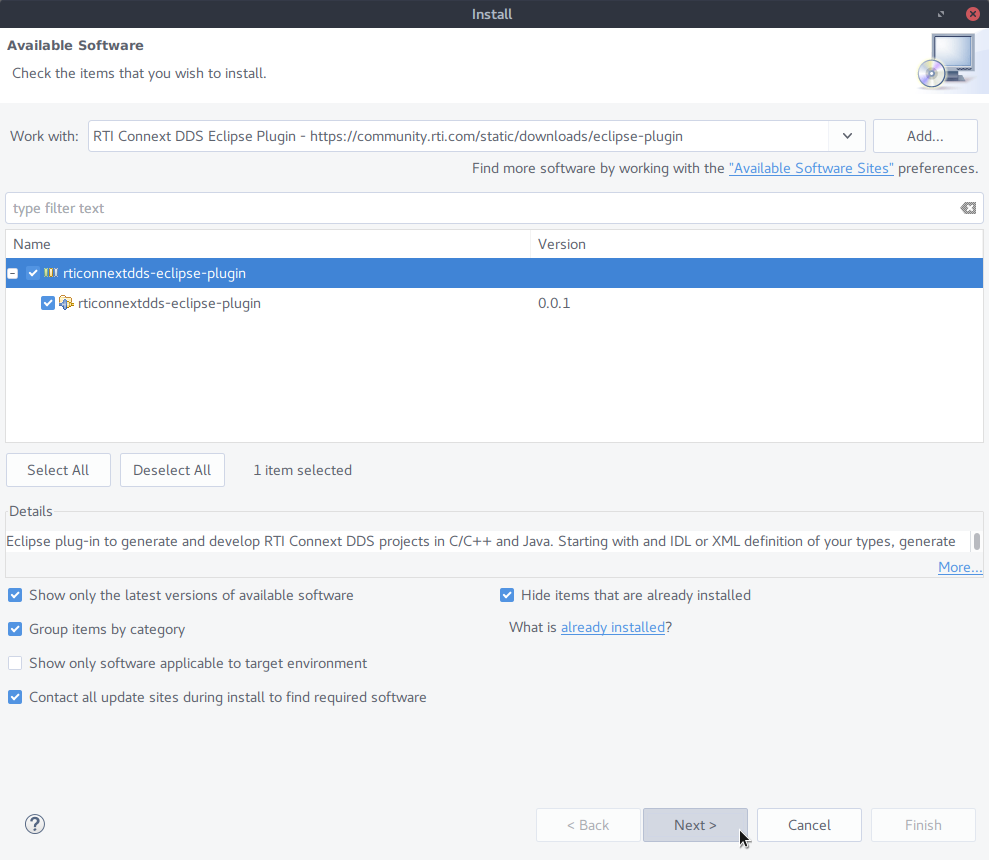
Click on next, and then read the license agreement before installing.
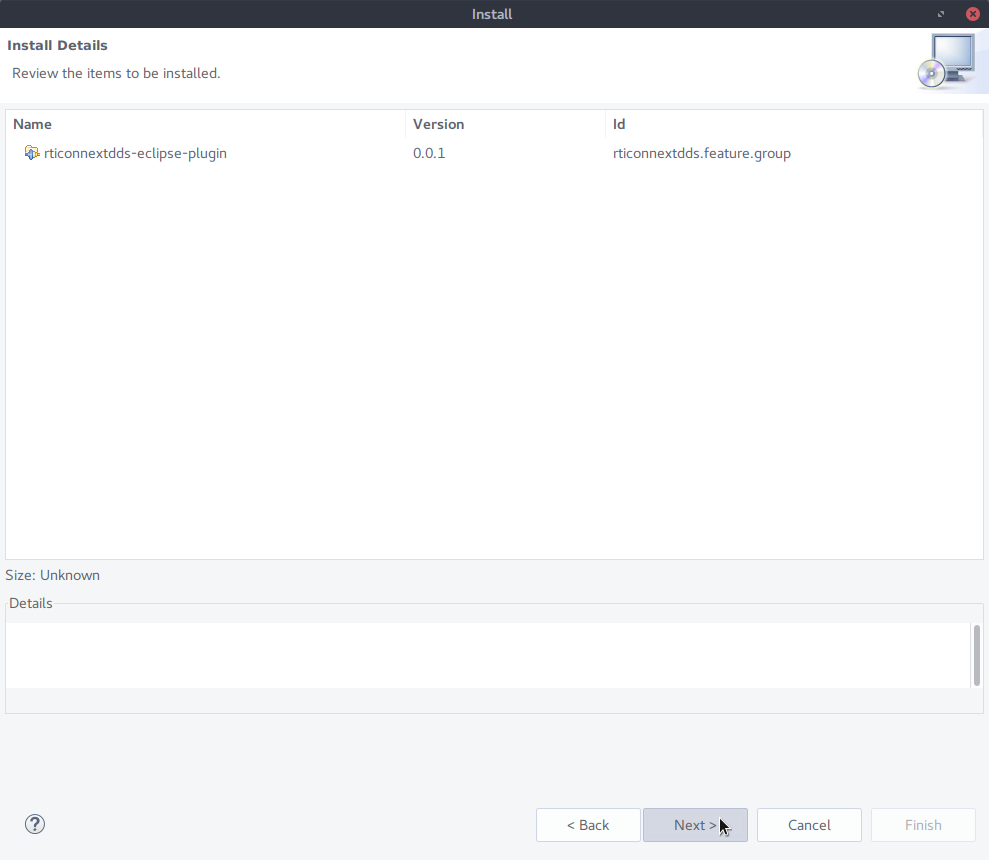
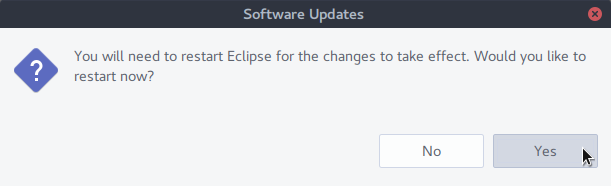
Finally, restart Eclipse to apply the changes.