2.2.6. Step 6: Distributed Log View
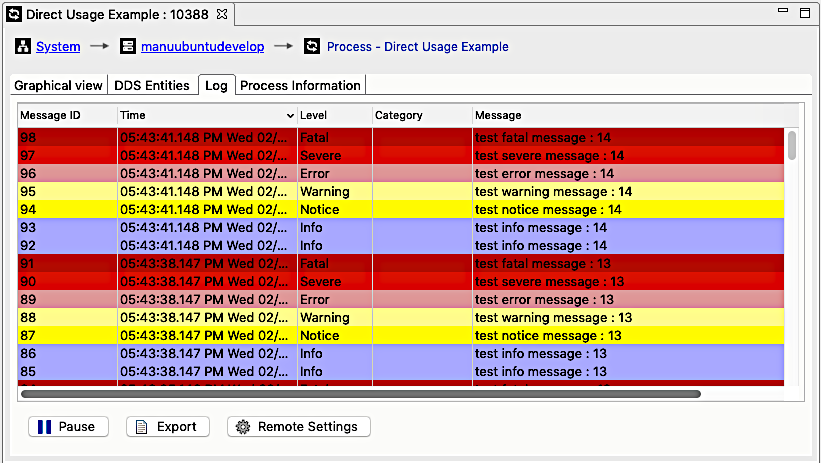
RTI services use RTI Distributed Logger to publish their log messages. Admin Console provides a GUI display for RTI services and any process that uses RTI Distributed Logger. Click on the Log tab to see the current log messages.
2.2.6.1. Log Settings
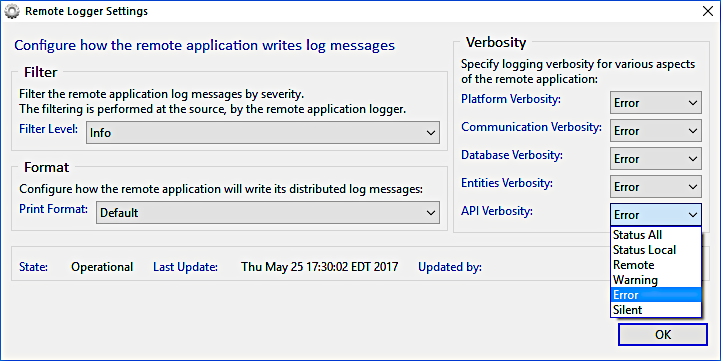
There are many options for customizing the Log display. See the Distributed Log Remote Settings section for details on each setting.